
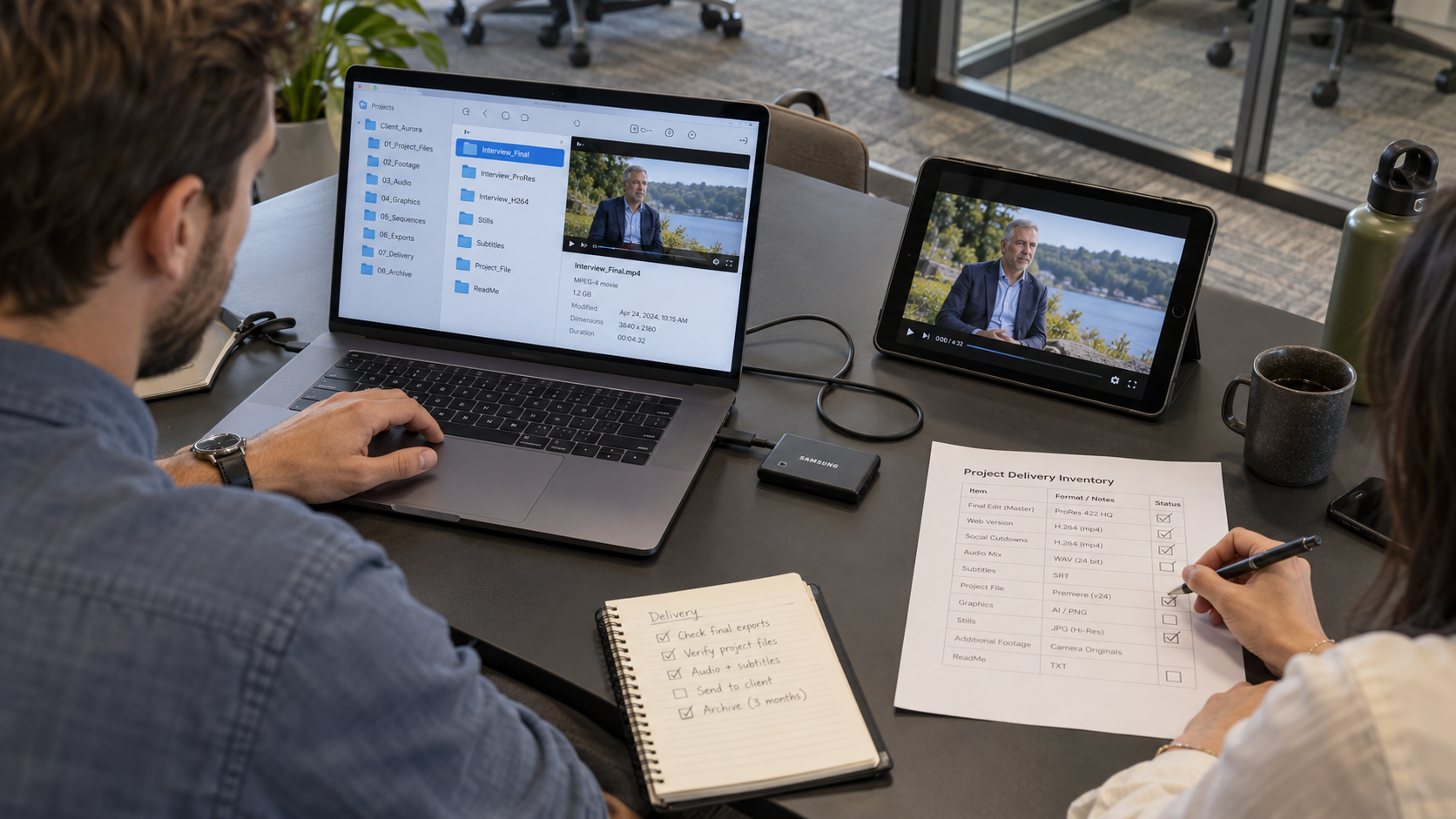
The campaign is delivered and approved. Three months later, the client needs an updated call to action and a shorter version for a new placement.
The final video is easy to find. The editable project, linked graphics, and approved music are less certain.
Video project file management determines what can be found and reopened after delivery. For agencies and production companies, those arrangements should be discussed before a project closes, while the working files and responsibilities are still clear.
Here is what to confirm about handover, archiving, access, and future edits.
A final export is the rendered video intended for viewing or publishing. An editable project contains the timeline and references the assets used to create it.
Having the export does not mean another editor can easily reproduce the original work. The project may rely on footage, audio, graphics, fonts, plugins, or software versions that are not included in the delivery folder.
Confirm whether editable files are included in the agreement and what the package contains. Ownership and delivery rights should be explicit rather than inferred from payment for the final video.
If the partner retains project files instead of handing them over, ask how future access or changes will work.
List the files needed for the intended future use.
Depending on the agreement, the package may include the editable timeline, linked media, graphics source files, audio assets, caption files, approved exports, and a record identifying the final version.
Clarify the requirements for each file category:
Flag any assets that require additional permission before transfer or reuse. Another team may need to obtain or replace these materials before continuing work.
Also confirm whether the package includes all original media or only the assets used in the final edit. This affects storage requirements and the options available for future changes.
Where editable handover is included, validate the package before closing the assignment.
The receiving team should check that the project opens, media links are available, and necessary dependencies are identified. Note software versions, plugins, and missing items in a handover record.
Opening the timeline is one check. Reproducing the approved output may require additional validation if effects, fonts, or external assets behave differently in the receiving environment.
Record limitations clearly. A file labeled “project package” should not imply a complete, portable edit when important dependencies are absent.
Ask who stores the working files, what is retained, and for how long.
Final exports, editable timelines, and raw footage may have different retention arrangements. Confirm whether storage is included or quoted separately.
Clarify when deletion may occur and how the agency can request an extension or retrieve files before that date. Assign someone to maintain the retention record and review it when an account closes.
Do not assume a partner stores every project indefinitely. An archive plan should reflect the agreement, expected future use, and relevant client requirements.
Name the people who can access the archive and request changes or retrieval.
Check that the project is stored under an agreed team-controlled arrangement rather than depending on one person’s account. Where access is provided through the partner, record the request route and expected process.
When someone leaves the agency or a partner assignment ends, update permissions and transfer required responsibilities.
Confirm confidentiality and handling expectations for client footage. Apply the rules appropriate to the project and its agreements without assuming all material can be freely shared with a new editor.
An archive organizes completed project material for later retrieval. A backup supports recovery if the working or stored copy is lost or damaged.
Ask who is responsible for each. A retained folder alone does not explain how it is protected or recovered.
Confirm the scope of any recovery arrangement and whether the agency needs its own copy. The appropriate setup depends on the value of the files, the agreement, and the expected need to reuse them.
Document the practical responsibilities rather than relying on the general statement that files are “in the cloud.”
A later edit is a new assignment that needs a clear brief.
Identify the approved version to reopen, describe the requested changes, list any new assets, and confirm the required outputs. Ask the partner to assess file availability, compatibility, scope, and timing before promising delivery to the client.
An apparently small change can affect captions, graphics, audio, and related campaign versions. Check those dependencies when estimating the work.
Clarify whether retrieval, project preparation, or additional licenses create charges under the agreement. Record the new approval and label the replacement files so the publishing owner knows what to use.
Before closing the project, confirm:
The back-end editing process connects final delivery and archiving with the earlier production stages.
That depends on the agreement. Confirm ownership, editable-file delivery, dependencies, and asset permissions before the project begins.
There is no universal period suitable for every project. Agree on retention based on future use, client requirements, storage responsibilities, and the engagement terms.
It depends on compatible software, linked assets, plugins, fonts, permissions, and the completeness of the package. Validate these requirements before reassigning the work.
Video project file management gives the agency a clear record of what exists, where it is stored, and how it can be used later. Agreeing on those details before closure makes future update requests easier to assess.
At Razor Post, we support agencies, brands, and production companies with post-production services that integrate into their workflows.
Planning recurring content or future updates? Book an intro call with Razor Post to discuss your delivery, project-file, and retention requirements.